

Optimizing Images in a Next.js + JSON Markdown Blog
Images can make your blog posts more engaging, but they can also slow things down if not handled correctly. Fortunately, Next.js provides powerful tools for optimizing images—even when they're coming from Markdown stored in JSON.
Below is a complete guide on how to embed static images, remote images, and responsive images inside your Markdown content.
Why Image Optimization Matters
Modern blogs rely heavily on visuals, but:
- Unoptimized images increase load times
- Large image payloads hurt performance scores
- Mobile devices suffer most when bandwidth is limited
Next.js improves this automatically using the next/image component. However, when working with Markdown, images typically render as raw HTML or Markdown syntax.
Example: Basic Markdown Image
This is the simplest form of an image inside Markdown:
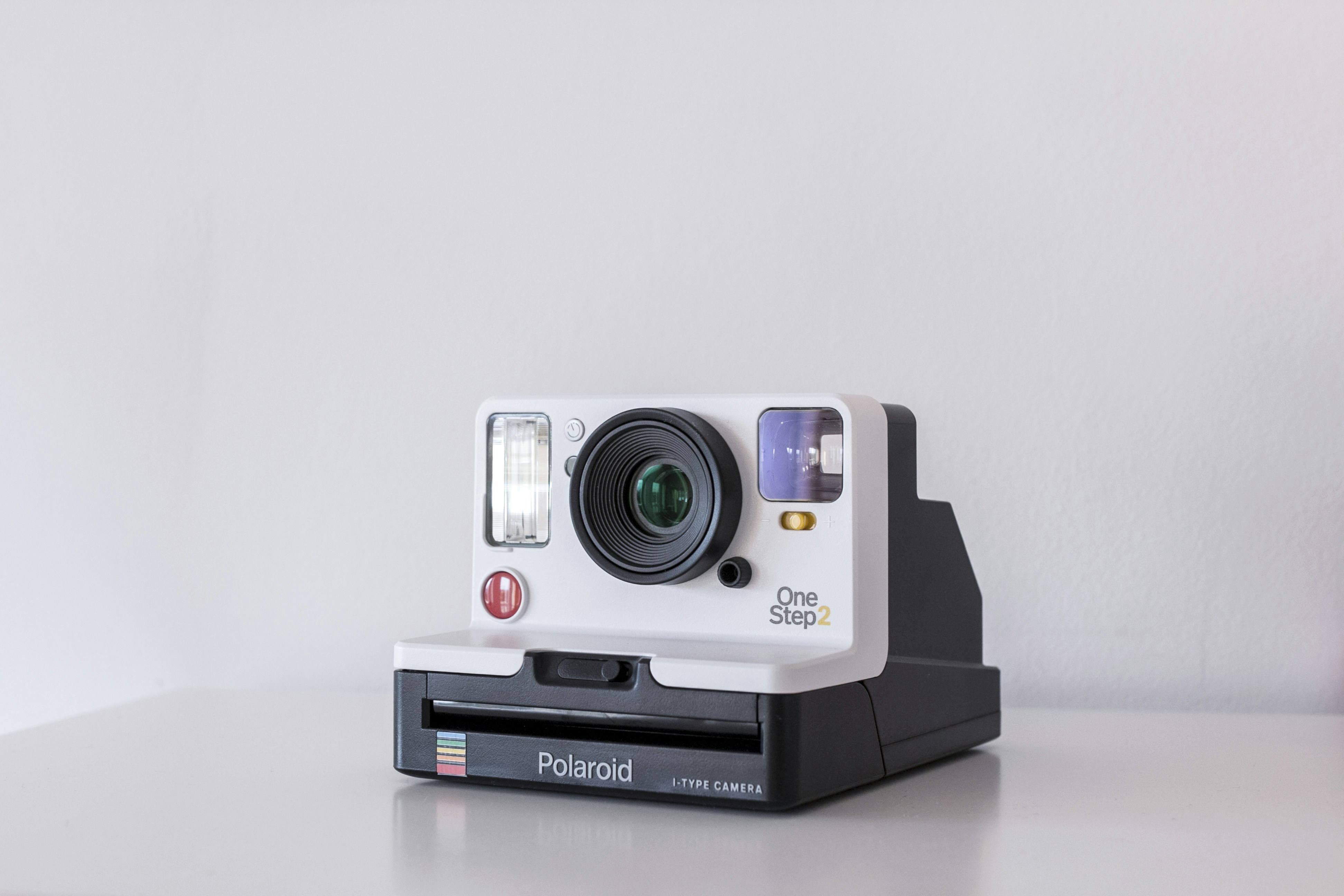
Markdown images work, but they don't benefit from automatic resizing or lazy-loading.
Adding Captions to Images
A common UX improvement is adding captions directly under images.
Figure 1: A clean developer workstation setup.

Using Local Images
If your blog supports serving images from /public, you can reference them in Markdown as well:

This is useful for diagrams, screenshots, and static assets.
Responsive Image Techniques
Markdown images alone aren't responsive, but you can embed HTML inside Markdown when you need more control:
<picture>
  <source srcset="/images/posts/hero-large.jpg" media="(min-width: 800px)" />
  <img src="/images/posts/hero-small.jpg" alt="Hero image" />
</picture>
This provides an adaptive image based on screen width.
Here is an example of a larger visual used for storytelling:

Comparison: Optimized vs Non-Optimized
Here is a visual comparison of two differently processed images:
Non-optimized:

Optimized (smaller, faster):

Even visually similar images can differ drastically in size.
Best Practices
To keep your blog fast:
- Prefer image URLs from CDNs (like Unsplash)
- Use smaller resolutions (under 2000px width)
- For screenshots, export as WebP
- Avoid embedding 5MB+ photos inside Markdown
- Use
<picture>when you need responsive behavior
Final Thoughts
Markdown-based blogs give you flexibility, but images require careful handling. With smart formatting and some Next.js features, you can deliver beautiful visuals without sacrificing performance.
Happy blogging! 🚀